Supporter
Paint in VR. Create more with Supporter.
Step up to the same walls as desktop and mobile players. Unlock the color wheel, paint layers, your own private room and more.
Choose monthly billing or a one-year pass. Both include VR and every Supporter feature.
Choose your plan
VR and all other Supporter features are included in both plans. See all benefits
Monthly
€7.99 / month
Billed monthly. Cancel anytime.
EUR 7.99 per month, including applicable taxes where required.
Subscribe monthlyAnnual pass
€59.88 / year
Paid once · No automatic renewal Equivalent to €4.99/month. Save €36 compared with 12 monthly payments.
EUR 59.88 for one year, including applicable taxes where required.
Buy annual passWhat you get
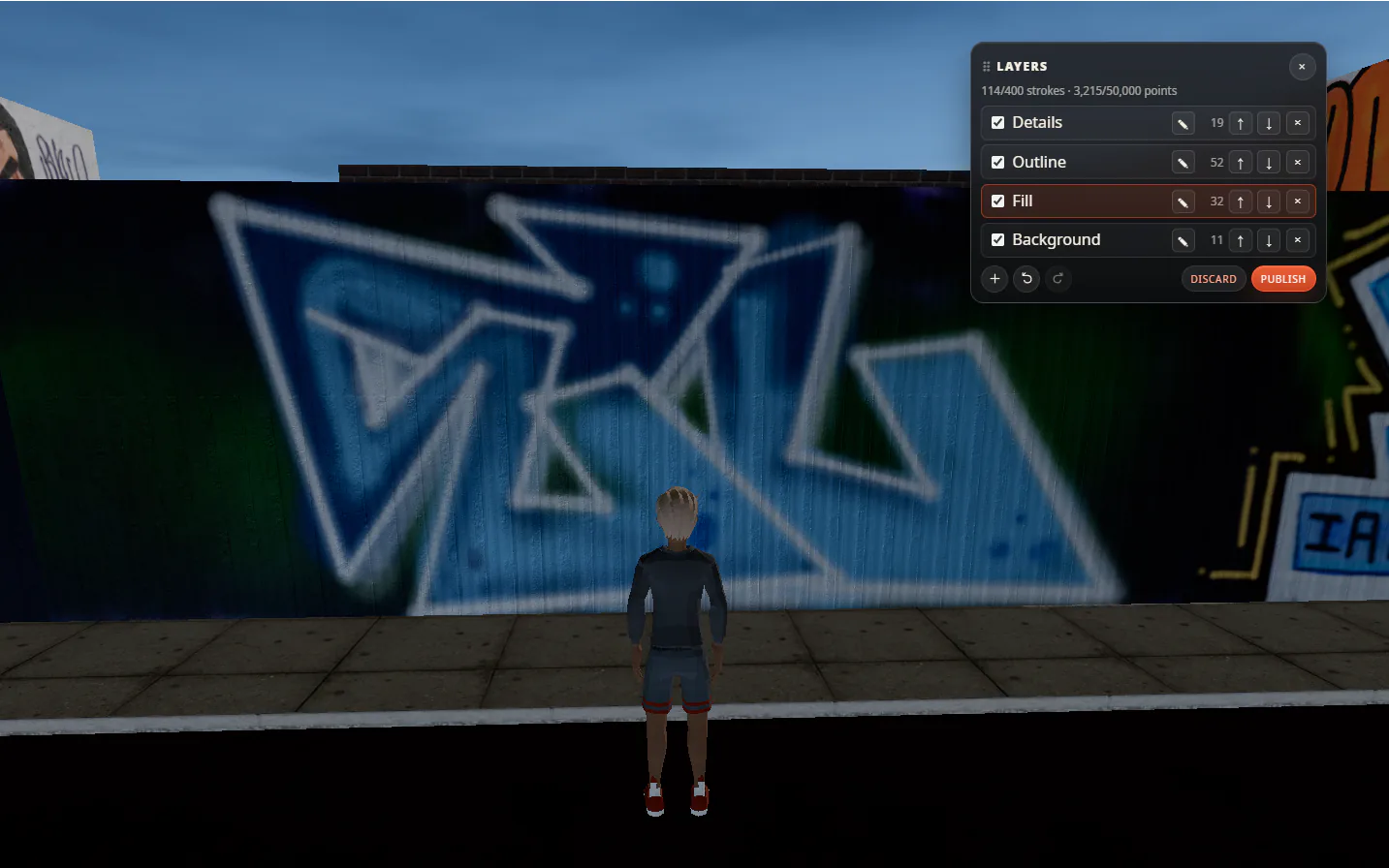
Paint layers
Keep your fill, outlines and details on separate layers.
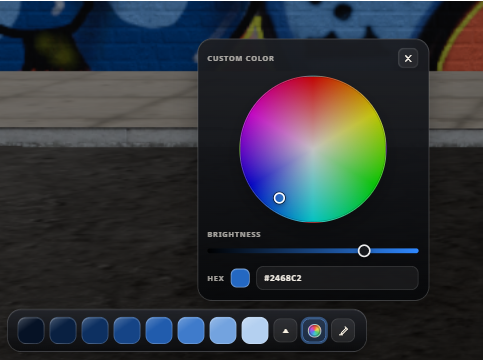
Color wheel
Choose a color with the wheel, adjust brightness or enter a hex code.
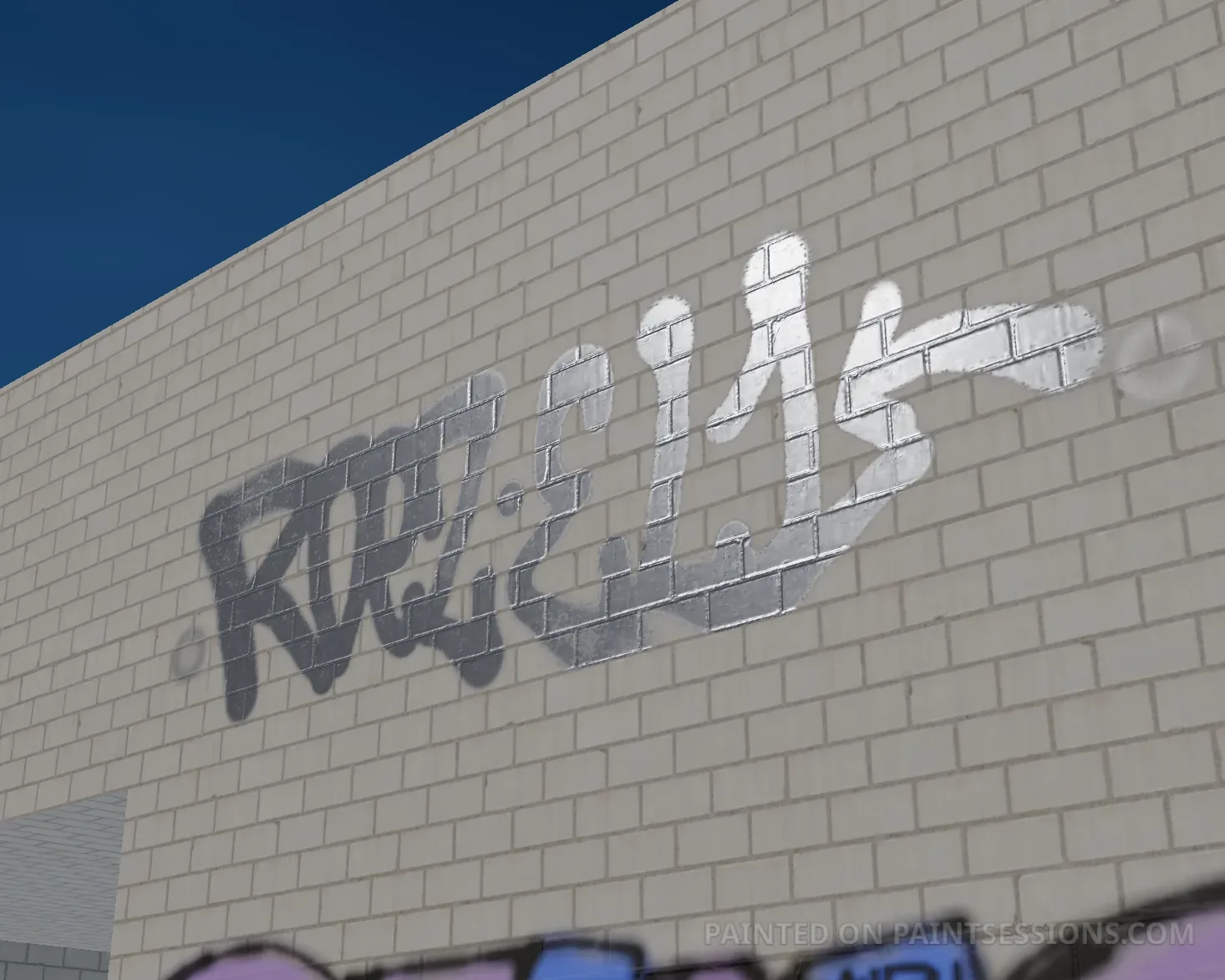
Chrome colors
Give your paint a reflective chrome finish that catches the light.
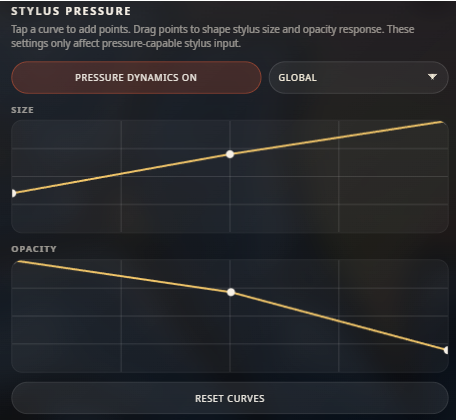
Stylus pressure
Set how pressure affects brush size and opacity with a pressure-sensitive stylus.
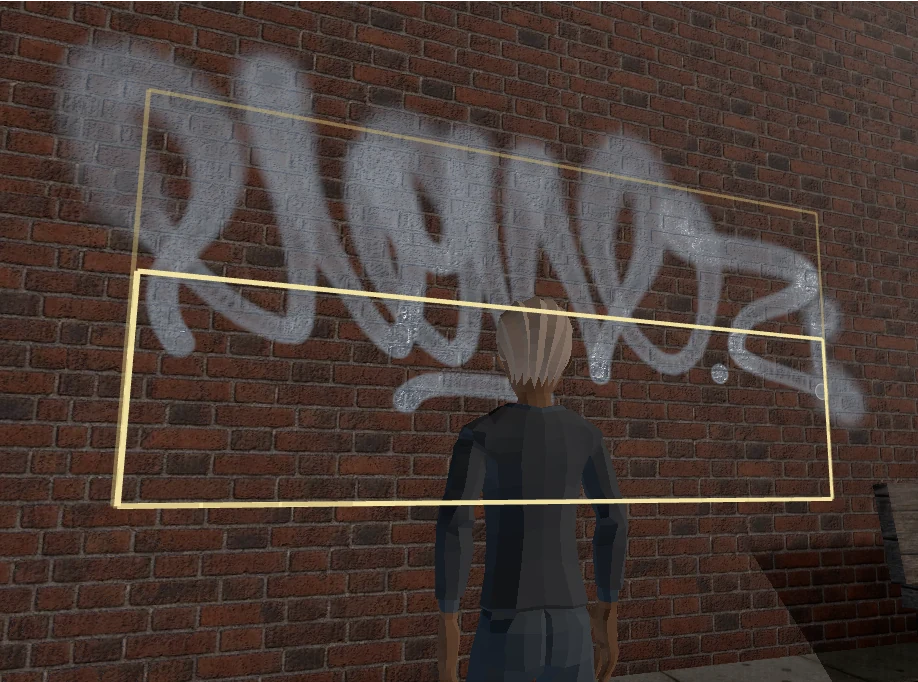
Flare mode
Set the flare guides to widen and soften your strokes beyond the inner area.
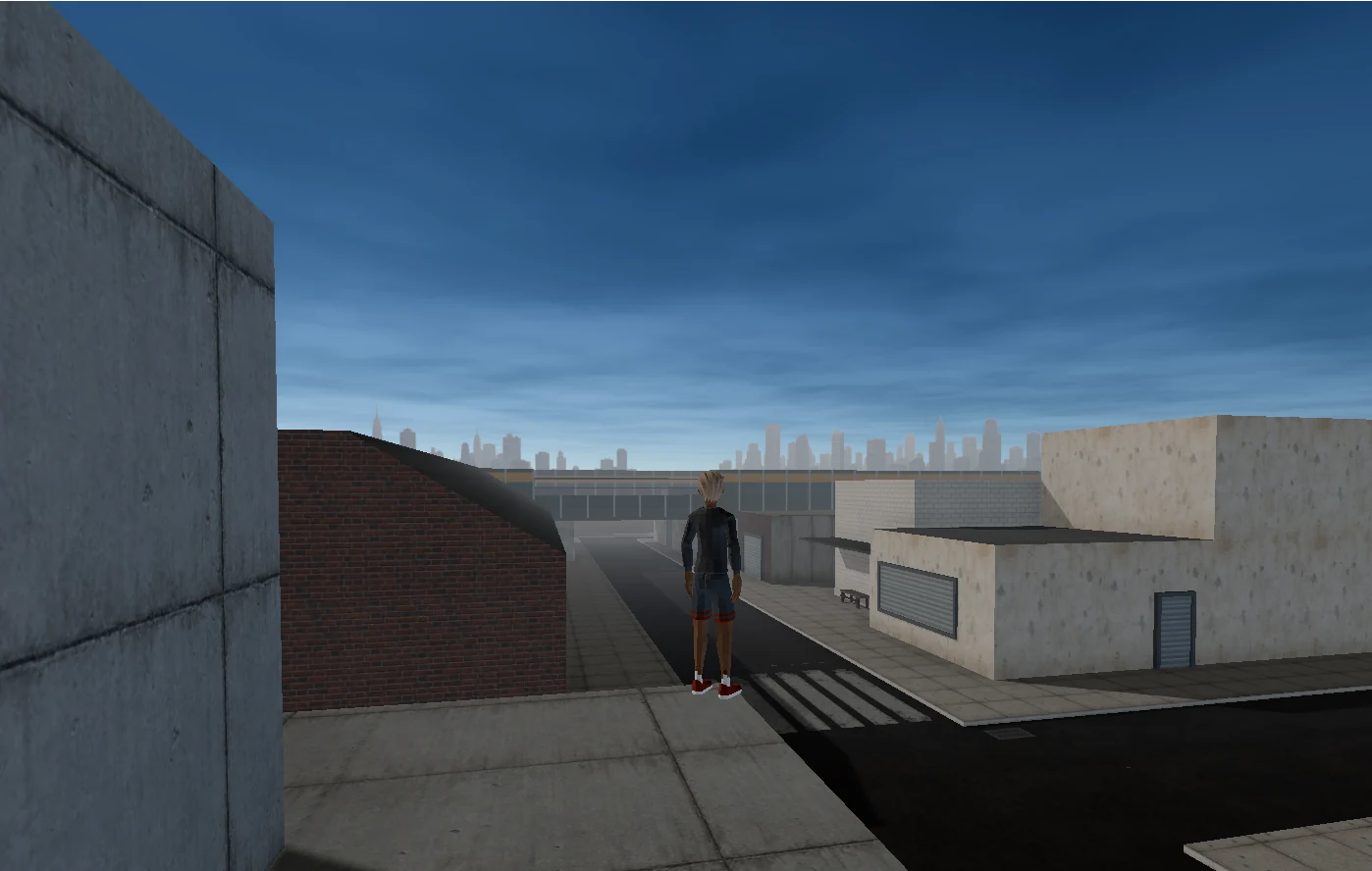
Singleplayer
Start with clean walls and make the world your own.
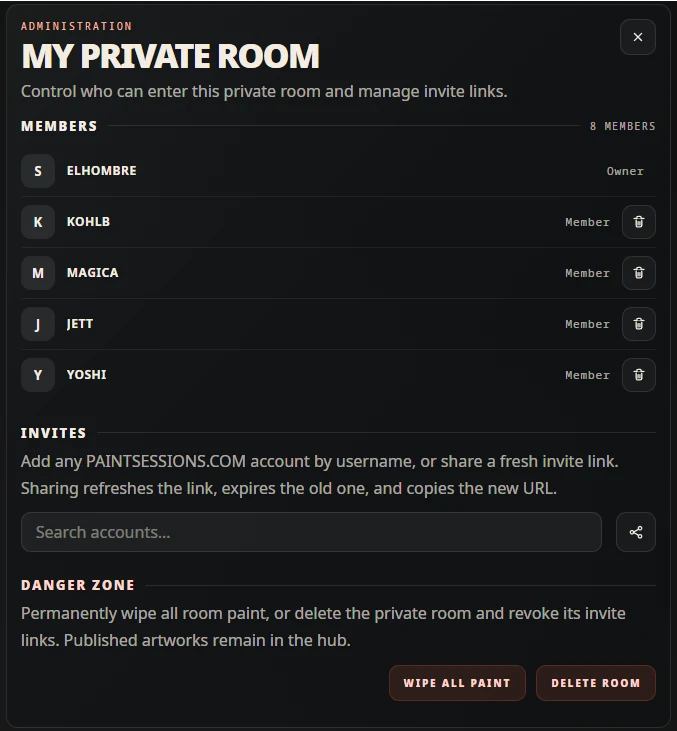
Private room
Invite artists by username or link. Your guests do not need Supporter.
Painting & VR
-
Paint in VR
Use your VR controllers to paint in the same world as desktop and mobile players. Requires a compatible headset and browser.
-
Color wheel, picker & chrome
Pick colors directly from painted surfaces.
-
Paint layers
Hide or reorder layers, undo changes and publish.
-
Lines, mirror, flare & eraser
Straight lines, mirrored strokes and an eraser.
-
Pressure controls
Adjust brush pressure and stylus response.
-
Extended paint reach
Reach more of a wall from farther away.
Rooms & space
-
Singleplayer
Saves stay in your browser on this device.
-
Your own private room
One private room per Supporter account.
-
Protected paint areas
Keep others from painting over your work while you paint.
Player & profile
-
In-world avatar
Customize your character in the paint client.
-
Ghost mode
Hide your avatar and player-list entry. Admins and moderators can still see you.
-
Supporter name & profile link
Highlighted name and a profile link using your artist name.
FAQ
What do I need to paint in VR?
VR is included in both Supporter plans. You need a compatible headset and a browser that supports VR. I’ve tested this first VR version on Rift and Quest devices. It’s still in active development, and compatibility can vary between headsets and browsers.
Open PAINTSESSIONS.COM in your headset’s browser. For a headset connected to a PC, connect it and start its VR app first, then open the site in your PC browser. Sign in with your Supporter account, open the painting app’s menu, and choose Enter VR. The green indicator means VR is available.
You’ll join the same world as desktop and mobile players, so you can paint together. Read the VR launch post for setup tips and current limitations.
Can I cancel monthly support?
Yes. Monthly support can be canceled anytime and remains active until the paid period ends.
Does the annual pass renew automatically?
No. The annual pass is paid once for one year of supporter access.
Can I change plans?
No, not directly for now. You can cancel monthly support and choose another option after the current paid period ends.
Do I need an account?
Yes. Supporter access is tied to your PAINTSESSIONS.COM account.
Do the people I invite need Supporter?
No. Only the private-room creator needs active Supporter access. You can invite any artist with a PAINTSESSIONS.COM account by username or link.
How does ghost mode work?
Turn it on beside your name in the paint client's player list to hide your avatar and player-list entry from other players. Admins and moderators can still see you. Your paint and chat messages remain visible and attributed to you, and teleport invitations are unavailable while ghost mode is active. Your preference is remembered for your account in that browser.
How is payment handled?
Checkout and billing are handled securely through Stripe. PAINTSESSIONS.COM does not store complete payment card numbers or payment method details on its own servers.
Which payment methods are supported?
Stripe supports common payment methods such as cards, Apple Pay, Google Pay, Link, and selected local payment methods depending on your country and device.
What happens when supporter access expires?
Your singleplayer saves are not deleted when supporter access expires. They stay in your browser storage on that device, unless you clear browser data. Your avatar customization stays saved. Your private room and its memberships also remain stored, but the room closes to everyone until your supporter access is active again. You can still remove members or delete the room while it is closed. Protected paint areas cannot be created or extended without active supporter access. If ghost mode is active, you are disconnected and can choose to rejoin visibly.
What happens if supporter features change?
Your supporter access remains active for the paid period. New supporter-only tools and creative options may be added over time.
Can I get a refund?
Contact [email protected] and we will review the request.
Still have questions?
Contact [email protected]. We are happy to help.