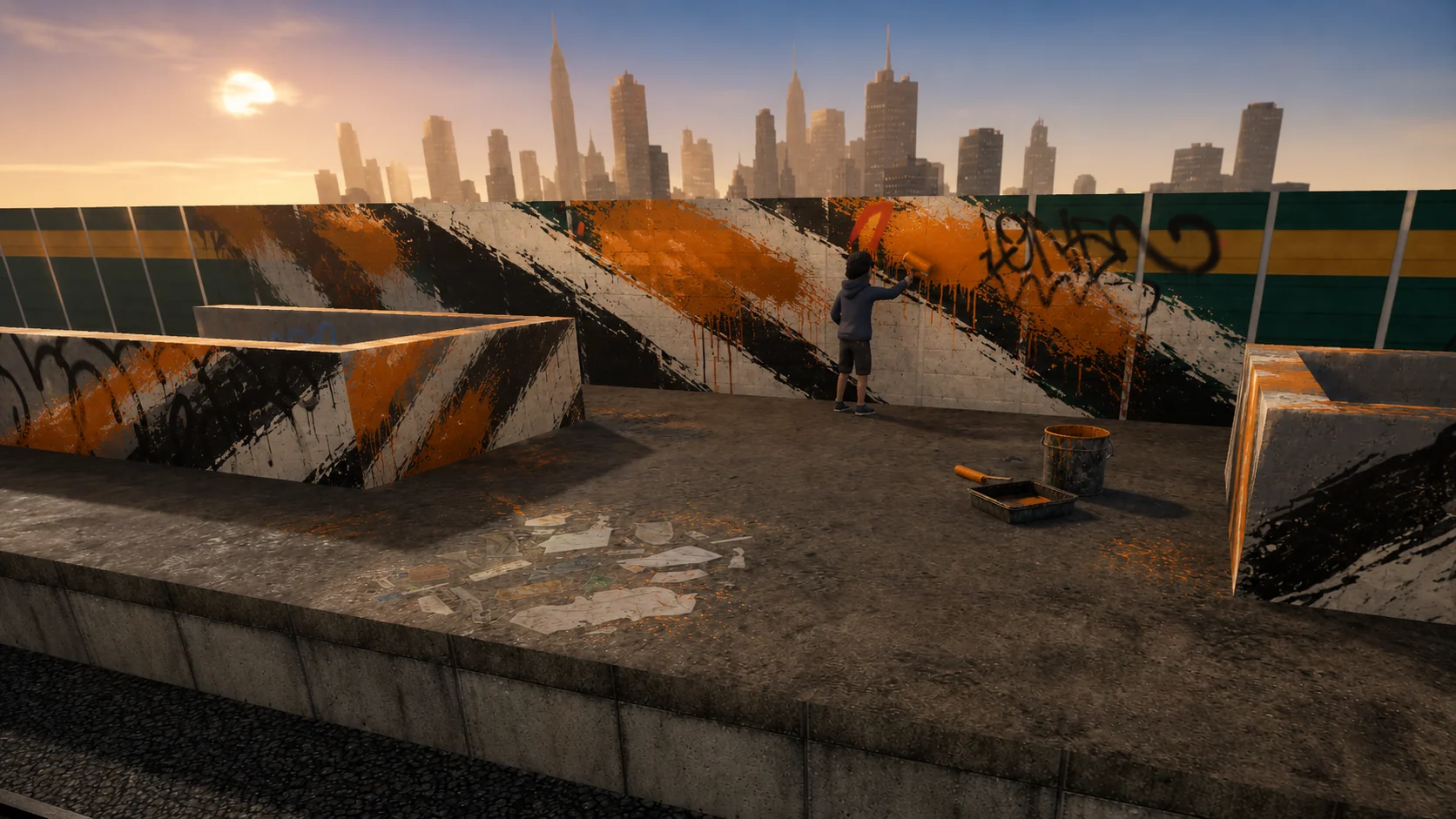
Choose one goal for the session
Trying to improve lettering, color, scale, outlines, and composition at once makes it hard to see what changed. Pick one question before you touch the wall. You might test whether a silhouette reads from farther away, whether two colors separate clearly, or whether a piece fits the surface around it.
A narrow goal turns every attempt into useful feedback. It also makes short online graffiti practice sessions worthwhile because you do not need to finish a polished piece every time.
- Line control: repeat simple strokes at different sizes.
- Composition: place the same sketch in two parts of a wall.
- Color: test one palette against light and dark surfaces.
- Scale: check the piece up close and from across the space.
Start small before using the wall
Paper and a blackbook remain useful because they let you explore structure quickly. Begin with simple letter shapes, thumbnails, or a rough character silhouette before moving the idea onto a virtual surface.
The online wall is most useful when it adds decisions that paper cannot: surrounding architecture, viewing distance, surface proportions, and the relationship to nearby work.
Repeat the idea on a virtual wall
Open the graffiti simulator, find a surface with enough room, and make a first pass without chasing every detail. Then move beside it and repeat the same idea with one deliberate change.
Keeping the versions near each other makes comparison immediate. The purpose is not to hide the weaker attempt. It is to see which decision made the next one clearer.
- Block the main shape Establish width, height, balance, and direction before adding small details.
- Check it from a distance Move back or zoom out. If the main idea disappears, fix the silhouette or contrast first.
- Change one variable Repeat the study with a different scale, spacing choice, outline, or palette.
- Capture the useful version Save the attempt that best answers the goal so you can review it after the session.
Practice around other artists
A shared wall introduces timing, neighboring colors, limited space, and unexpected ideas. Paint beside someone, agree on a palette, or split one surface into areas and compare how each artist responds to the same prompt.
Collaboration is most useful when the goal is clear. Ask for feedback on one decision instead of asking whether the entire piece is good. Specific questions lead to specific changes.
Review, then return with a plan
At the end of the session, compare the captured versions and write down one thing to keep and one thing to change. That small record is more useful than relying on a vague memory of whether the session felt successful.
Use the next session to test the change. Regular, focused repetitions build a visible body of decisions over time, even when each individual practice wall remains temporary.